The follow-ups happen even when you forget
Automations are when-then rules that run in the background every 5 minutes across tasks, tickets, invoices, quotes and reports. A stuck task gets a nudge, an overdue invoice sends a reminder, an unanswered ticket gets escalated — automatically.
Replaces Zapier-style rules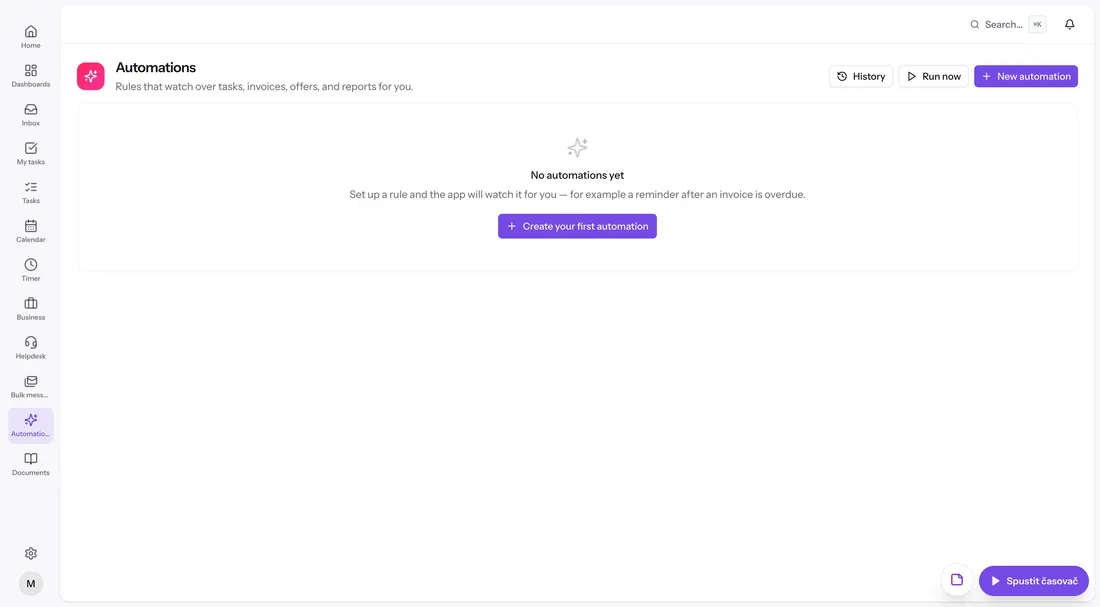
Conditions that catch things going stale
Trigger on a task stuck in a status too long, a deadline approaching or missed, an estimate exceeded, an invoice overdue by X days, a quote about to expire or a ticket the customer is still waiting on. The conditions cover the whole workspace, not just tasks.
- Task: status change, time in status, approaching or missed deadline
- Invoice: issued, sent, unpaid, overdue by X days
- Quote expiring, ticket unanswered, report unapproved
Actions that actually move work
When a rule fires it can change a status, add a comment or internal note, assign someone, create a task, send an email reminder or fire off a canned response on a ticket. Small actions, but they're the ones that usually slip.
- Change status, comment, assign, complete
- Create a task or a timesheet report
- Email reminders and canned-response replies
In control, always
Every rule keeps a run history so you can see exactly what fired and when. Run a rule manually to test it, and enable or disable any rule with one switch.
Everything included
- When-then rules over tasks, tickets, invoices, quotes and reports
- Background runs every 5 minutes
- Task conditions: time in status, deadlines, exceeded estimates
- Ticket conditions: unanswered, unassigned, status changes
- Invoice conditions: overdue by X days, unpaid after sending
- Quote expiry and no-response conditions
- Actions: change status, comment, assign, create task
- Email reminders and canned responses as actions
- Run history per rule
- Manual run for testing
- Enable or disable rules with one switch