Docs and notes next to the tasks they describe
Write specs, wikis and handbooks in a block editor with rich text, images, tables and code blocks — autosaved, organized in folders and shareable as public pages. For the small stuff, a floating notes window captures thoughts from anywhere in the app.
Replaces Notion docs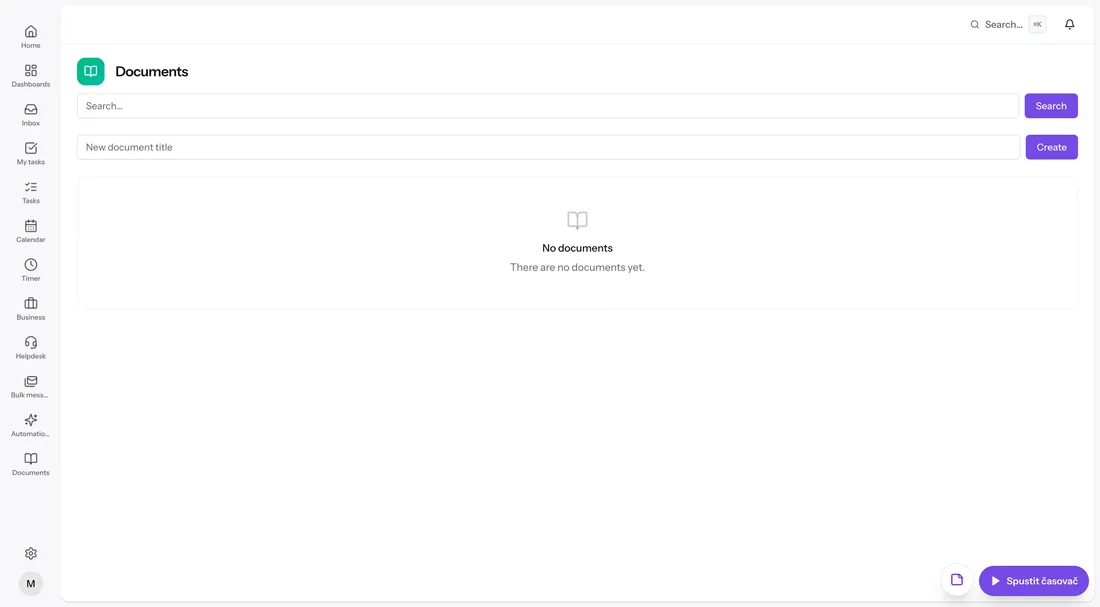
Documents with structure and a share link
The block editor handles rich text, images, tables and code blocks, saving as you type. Pages live in a folder hierarchy you can reorganize by moving pages around, and any page can be shared publicly via a /p/{token} link — handy for client-facing specs and guides.
- Block editor: rich text, images, tables, code blocks
- Autosave as you type
- Folder hierarchy with page moving
- Public page sharing via link
Notes that keep up with your brain
The notes module gives you personal notes with a floating quick-capture window available anywhere in the app — mid-ticket, mid-invoice, wherever the thought strikes. Pin the important ones, color-code, archive the rest, and when a note turns out to be work, convert it to a task.
- Floating quick-capture window app-wide
- Pinning, colors and archive
- Convert a note to a task
Everything included
- Block editor with rich text, images, tables and code blocks
- Autosave with status indicator
- Folder hierarchy for pages
- Move pages between folders
- Public page sharing via /p/{token} links
- Personal notes module
- Floating quick-capture window anywhere in the app
- Pinning and note colors
- Note archive
- Convert note to task